Terminal
BinoView Supercharts platform: visual technical analysis, trading signals, and custom on-chart tools.
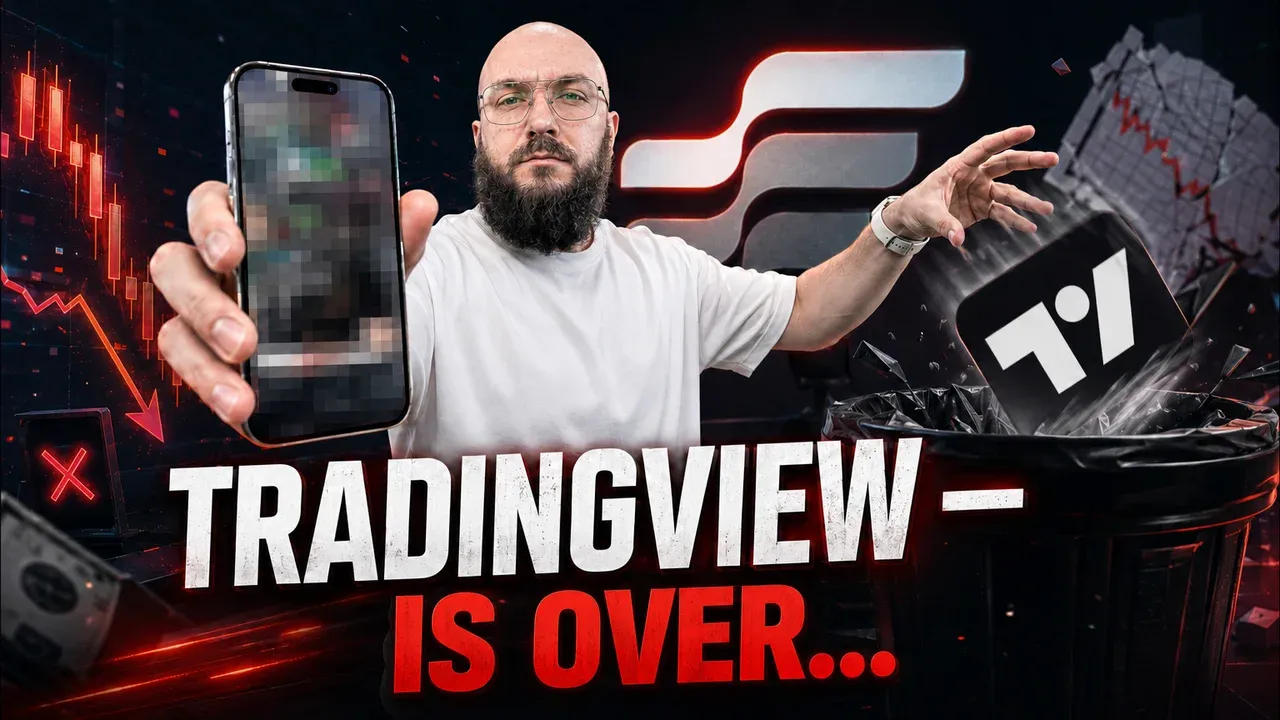
A TradingView Alternative for Binary Options: BinoView Supercharts Terminal Overview
How the BinoView Supercharts terminal replaced TradingView for the author: a grid of up to 15 charts with mass actions, settings in three tabs, hotkeys with a virtual keyboard, auto-trading configuration by code, level and channel indicators, account statistics, Telegram bot control and a mobile app.
Read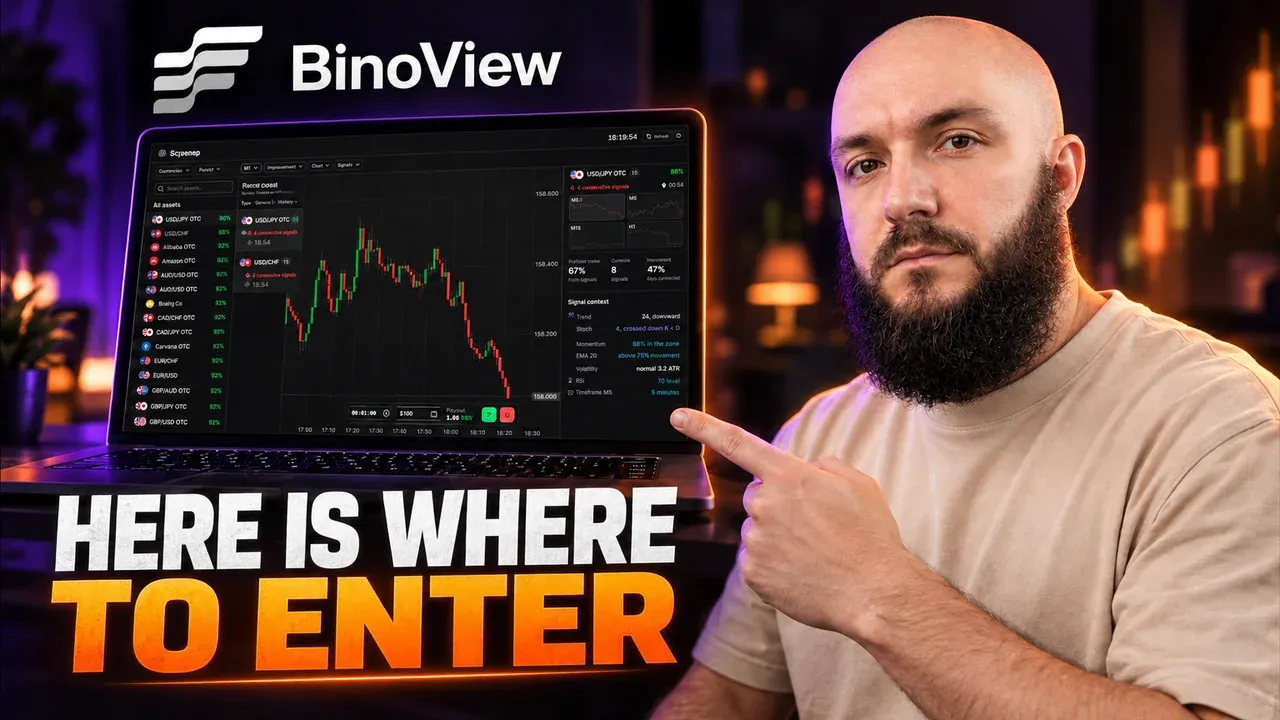
BinoView Sequence Screener: How to Find Candle Streaks Across All Pocket Option Assets
Overview of the free sequence screener in BinoView: a real-time feed of same-colour candle streaks across all assets, signal strength stars, filters by market, direction, strength and streak length, M1 and M5 timeframes, and the Series Context panel with RSI, Stochastic, Bollinger and levels. How to open a trade straight from the screener, plus the USD/CAD trade from the video.
Read
Launching a Trading Bot for Pocket Option from a Smartphone: Terminal Settings and Auto Mode
A step-by-step launch of auto trading from a phone in BinoView Supercharts: 15 screens, market and terminal settings, the Flip Core bot from the catalog, Auto mode parameters (martingale 2.2, six steps, 1-minute expiration, take-profit), the control panel, session history and a breakdown of the launch from the video.
Read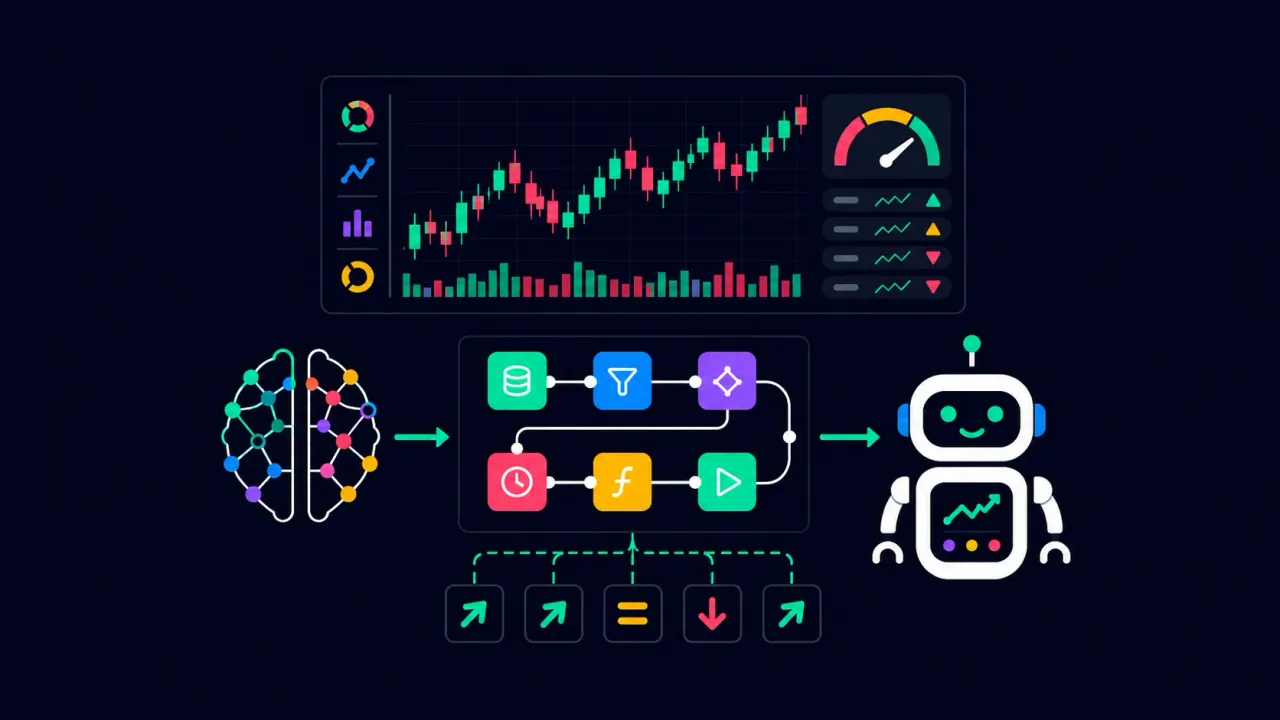
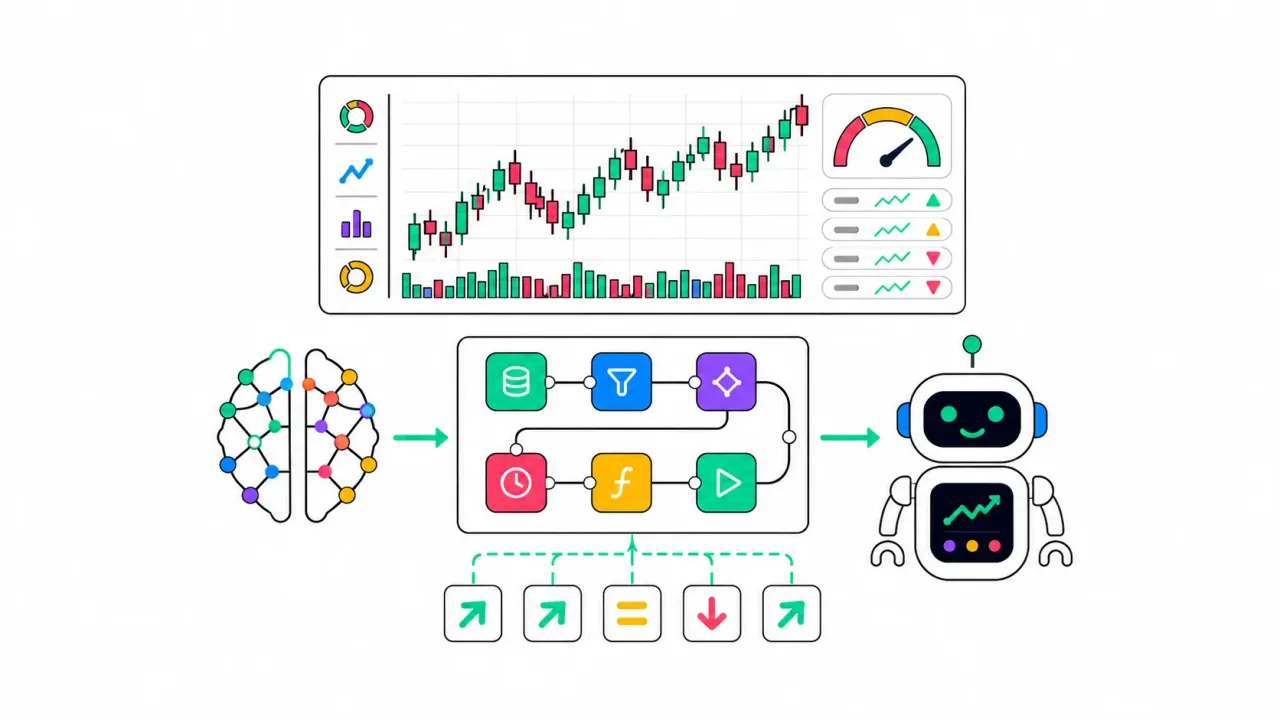
How to create a trading bot for Pocket Option without code — using AI in BinoView Supercharts
A step-by-step guide: build a trading bot without code using AI. Copy the ready-made “AI Prompt” in BinoView Supercharts (even the free DeepSeek works), describe your strategy, and get a working signal bot with a HUD analytics panel.
Read
Creating Oscillators for BinoView Supercharts in a Separate Panel Below the Price
A step-by-step guide on how to train GPT to create oscillators in the lower panel of BinoView Supercharts and use them for binary-options trading on Pocket Option.
Read
Creating a Visual Tool for BinoView Supercharts with Line Drawing on the Chart
Step-by-step guide on how to teach GPT to draw lines and zones in BinoView Supercharts and use it when trading binary options on Pocket Option.
Read
Creating a signal bot in BinoView Supercharts with BUY and SELL labels
Step-by-step guide: how to train ChatGPT, insert a ready-made bot skeleton with visual analytics, write signal logic, and create BUY/SELL labels in BinoView Supercharts.
Read
Bot Builder in BinoView Supercharts — what it is and how to get started
Step-by-step guide to the Bot Builder in BinoView Supercharts: why bots are needed, what strategies you can build on candle data without volumes, which AI model to choose, and how to prepare.
Read
BinoView Supercharts — overview of the platform and all its features
Complete guide to BinoView Supercharts: what this tool is, how screens are structured, bulk actions, settings, the bots and indicators catalog, adding tools to the chart and managing them.
Read