Academy Blog
Useful guides, articles, and walkthroughs for partners and traders.

Featured
Where to Start Your Trading Journey: A Complete Step-by-Step Guide to Pocket Option
A roadmap for beginners: a step-by-step plan from registration and safe deposits via cryptocurrency to the basics of technical analysis and setting up BinoView Supercharts.
ReadWhere to start
Basics

How to Fund and Withdraw from Pocket Option Without P2P via a Crypto Wallet
A step-by-step guide to depositing and withdrawing on Pocket Option and BinoView through a crypto wallet with a ruble top-up via the Faster Payments System (SBP): no P2P exchangers and no risk of a card block. Topping up the wallet by QR code from the bank, sending USDT on BEP20 or TRC20, withdrawing back to the wallet and into rubles by phone number, paying for purchases by QR. Amounts, fees and timings from the video.
Read
What Is BinoView: Terminal, Supercharts and Trading Bots
BinoView is a binary options trading platform that works on top of the Pocket Option broker: Supercharts with up to 15 charts on one screen, an indicator catalog, a no-code trading bot builder, and a free academy.
Read
How to create an account on BingX, complete verification, and buy USDT for rubles via P2P
A detailed guide to registering on the BingX exchange, completing KYC verification, and safely buying USDT for rubles through P2P — step-by-step instructions for beginners.
ReadStrategies

Sequence Screener OTC Strategy: Trading Against a Candle Streak on Pocket Option
A counter-trend binary options strategy with the BinoView screener: entry against a streak of five or more candles on the 1-minute OTC chart, 1-minute expiration, no more than one recovery per asset. Payout and strength filters, checking levels and the higher-timeframe trend in Supercharts, the one-candle-later entry variant and a breakdown of the session from the video: from eight losses out of fifteen trades to +129,000 ₽ for the day.
Read
Impulse Pro Signals Strategy on 1 Minute: Pullback Candle Entry for Pocket Option
Manual trading on the Impulse Pro trend bot on M1: default settings (MACD 12/26/9, RSI 14, EMA 50 filter), expiration at candle close via the flag mode, and the author's main trick — skip the first signal and enter from the pullback candle or a level. Risk per trade, pauses between series and a breakdown of the recording.
Read
Close Fade 1M Bot Signals on a Smartphone: a Manual Binary Options Strategy
Manual binary options trading from a phone using Close Fade 1M bot signals: the volume filter setting, the confirmed-candle rule, picking signals by first-attempt win rate, one recovery trade per asset and a breakdown of six real-account trades from the video.
ReadIndicators

Indicator Trend Signals — moving average crossovers for a quick view of the current trend
Two EMAs combine into a trend indicator with intuitive line recoloring only when crossed by price, and also place handy visual BUY/SELL signals via the indicator’s built-in algorithms.
Read
Sloped Levels Indicator — automatic construction
Draws sloped support and resistance from fresh pivots, supports simple and “strong” lines, extends them to the current price, and marks breakouts with a dashed style
Read
Stoch Levels Overlay — classic stochastic oscillator over the chart
Overlays stochastic 0/20/80/100 levels directly on candles: soft overbought/oversold zones, guide lines, and an optional %K/%D projection. Convenient for catching reversals at channel edges and disciplining entries with BinoView Supercharts.
ReadBots

Stoch BB Reversal Smart Mode: 15-Second Adaptive Auto Trading on Pocket Option
Auto trading with the Stoch BB Reversal bot with smart mode on: the bot picks the expiration for the first trade and the recoveries on each asset by itself and recalculates it every minute. The script and Auto window settings from the screen: S15 timeframe, exchange assets, martingale with coefficient 2.3 over six steps, expiration source from the script, recoveries on the same pair. The terminal update with an event feed and on-the-fly settings changes, the session history with an overnight loss of −$2,073 and a recording that ends at +174,304 ₽ in two hours.
Read
SR Bot Original on 10 Seconds: Auto Trading Settings for Pocket Option
Auto trading with the SR Bot Original on a 10-second OTC chart: first trade $90, martingale 2.2 over six steps, 10-second expiration, take-profit instead of a stop-loss. Why not $100, the previous day's statistics (74 trades, +$2,374), a breakdown of the recording with +$1,175, plus the author's thoughts on trading with your last money.
Read
Adaptive S/R Zones Bot: Auto Trading from Levels on Pocket Option
The Adaptive S/R Zones signal bot draws support and resistance zones and gives bounce and breakout signals. Manual entries on M1–M5 with one recovery trade, Auto mode settings on 5-second OTC ($49, martingale 2.2, take-profit $600), the typical market-type mistake and a breakdown of two sessions from the video.
ReadTerminal
A TradingView Alternative for Binary Options: BinoView Supercharts Terminal Overview
How the BinoView Supercharts terminal replaced TradingView for the author: a grid of up to 15 charts with mass actions, settings in three tabs, hotkeys with a virtual keyboard, auto-trading configuration by code, level and channel indicators, account statistics, Telegram bot control and a mobile app.
Read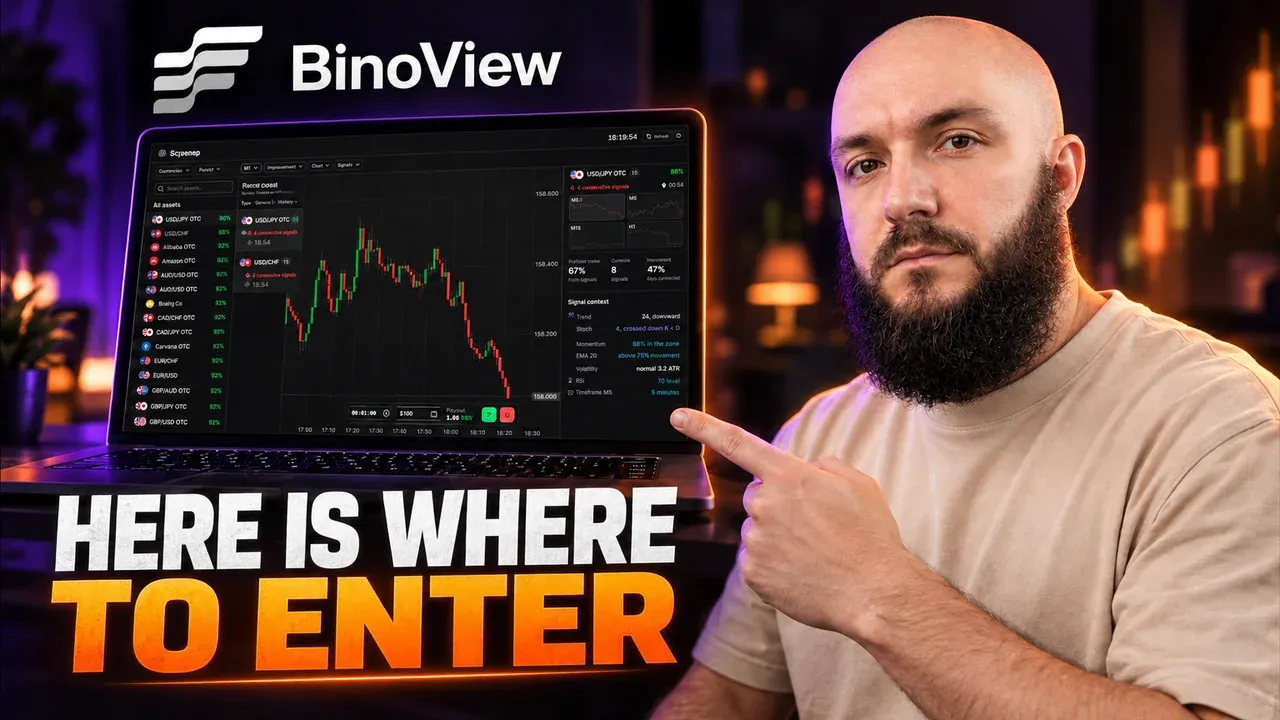
BinoView Sequence Screener: How to Find Candle Streaks Across All Pocket Option Assets
Overview of the free sequence screener in BinoView: a real-time feed of same-colour candle streaks across all assets, signal strength stars, filters by market, direction, strength and streak length, M1 and M5 timeframes, and the Series Context panel with RSI, Stochastic, Bollinger and levels. How to open a trade straight from the screener, plus the USD/CAD trade from the video.
Read
Launching a Trading Bot for Pocket Option from a Smartphone: Terminal Settings and Auto Mode
A step-by-step launch of auto trading from a phone in BinoView Supercharts: 15 screens, market and terminal settings, the Flip Core bot from the catalog, Auto mode parameters (martingale 2.2, six steps, 1-minute expiration, take-profit), the control panel, session history and a breakdown of the launch from the video.
ReadReady to move to practice?
The private BinoView Academy offers structured trading courses, hands-on assignments, testing, and open support for the team's partners.