
How to Fund and Withdraw from Pocket Option Without P2P via a Crypto Wallet
A step-by-step guide to depositing and withdrawing on Pocket Option and BinoView through a crypto wallet with a ruble top-up via the Faster Payments System (SBP): no P2P exchangers and no risk of a card block. Topping up the wallet by QR code from the bank, sending USDT on BEP20 or TRC20, withdrawing back to the wallet and into rubles by phone number, paying for purchases by QR. Amounts, fees and timings from the video.
Read
Sequence Screener OTC Strategy: Trading Against a Candle Streak on Pocket Option
A counter-trend binary options strategy with the BinoView screener: entry against a streak of five or more candles on the 1-minute OTC chart, 1-minute expiration, no more than one recovery per asset. Payout and strength filters, checking levels and the higher-timeframe trend in Supercharts, the one-candle-later entry variant and a breakdown of the session from the video: from eight losses out of fifteen trades to +129,000 ₽ for the day.
Read
Stoch BB Reversal Smart Mode: 15-Second Adaptive Auto Trading on Pocket Option
Auto trading with the Stoch BB Reversal bot with smart mode on: the bot picks the expiration for the first trade and the recoveries on each asset by itself and recalculates it every minute. The script and Auto window settings from the screen: S15 timeframe, exchange assets, martingale with coefficient 2.3 over six steps, expiration source from the script, recoveries on the same pair. The terminal update with an event feed and on-the-fly settings changes, the session history with an overnight loss of −$2,073 and a recording that ends at +174,304 ₽ in two hours.
Read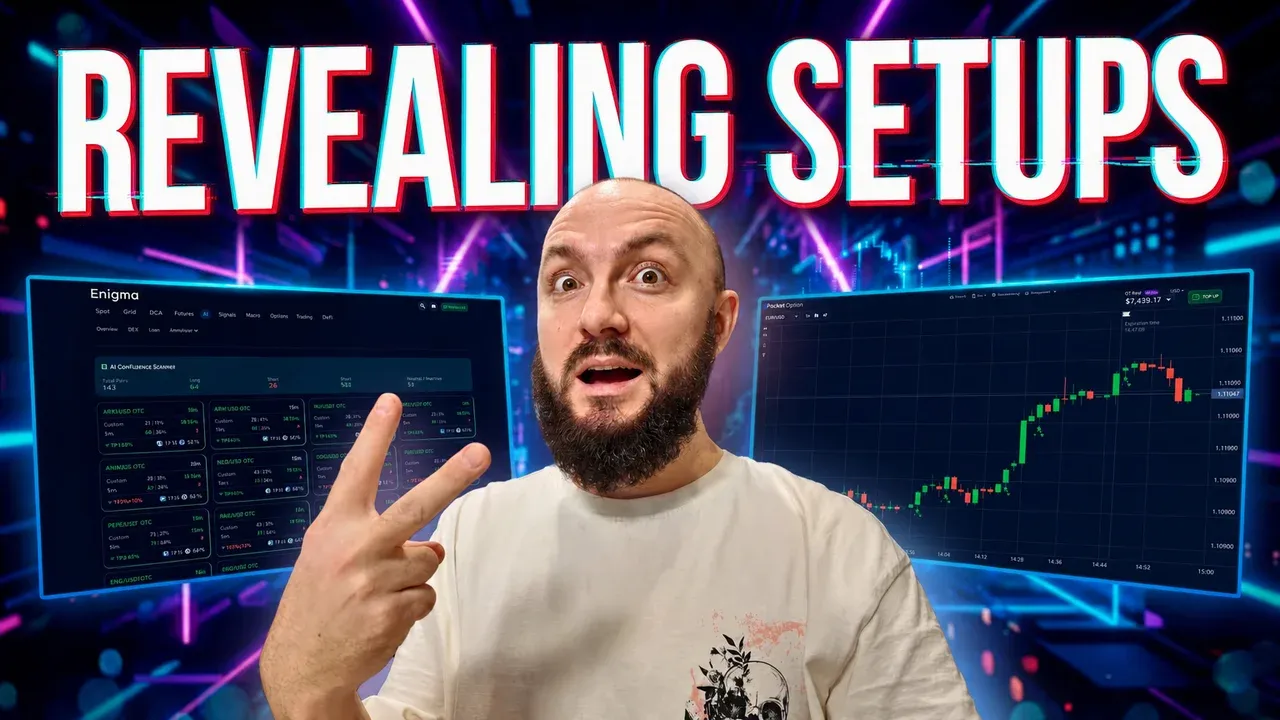
Impulse Pro Signals Strategy on 1 Minute: Pullback Candle Entry for Pocket Option
Manual trading on the Impulse Pro trend bot on M1: default settings (MACD 12/26/9, RSI 14, EMA 50 filter), expiration at candle close via the flag mode, and the author's main trick — skip the first signal and enter from the pullback candle or a level. Risk per trade, pauses between series and a breakdown of the recording.
Read
SR Bot Original on 10 Seconds: Auto Trading Settings for Pocket Option
Auto trading with the SR Bot Original on a 10-second OTC chart: first trade $90, martingale 2.2 over six steps, 10-second expiration, take-profit instead of a stop-loss. Why not $100, the previous day's statistics (74 trades, +$2,374), a breakdown of the recording with +$1,175, plus the author's thoughts on trading with your last money.
Read
A TradingView Alternative for Binary Options: BinoView Supercharts Terminal Overview
How the BinoView Supercharts terminal replaced TradingView for the author: a grid of up to 15 charts with mass actions, settings in three tabs, hotkeys with a virtual keyboard, auto-trading configuration by code, level and channel indicators, account statistics, Telegram bot control and a mobile app.
Read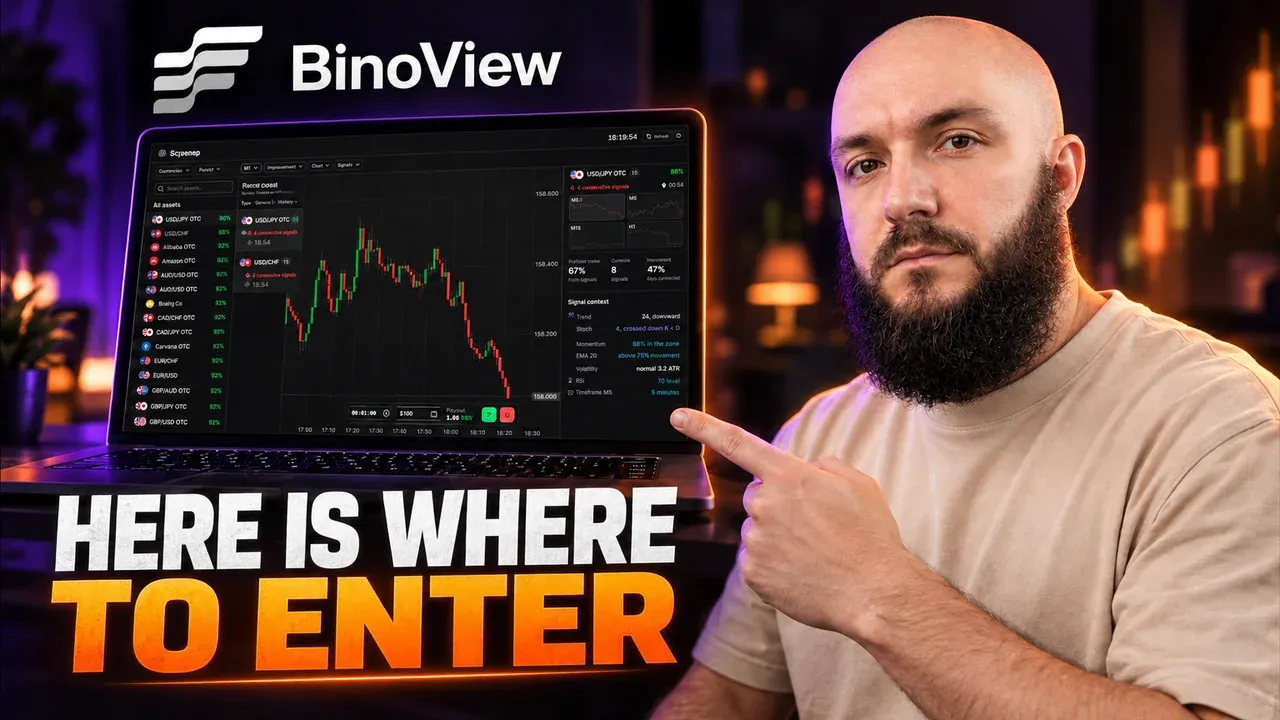
BinoView Sequence Screener: How to Find Candle Streaks Across All Pocket Option Assets
Overview of the free sequence screener in BinoView: a real-time feed of same-colour candle streaks across all assets, signal strength stars, filters by market, direction, strength and streak length, M1 and M5 timeframes, and the Series Context panel with RSI, Stochastic, Bollinger and levels. How to open a trade straight from the screener, plus the USD/CAD trade from the video.
Read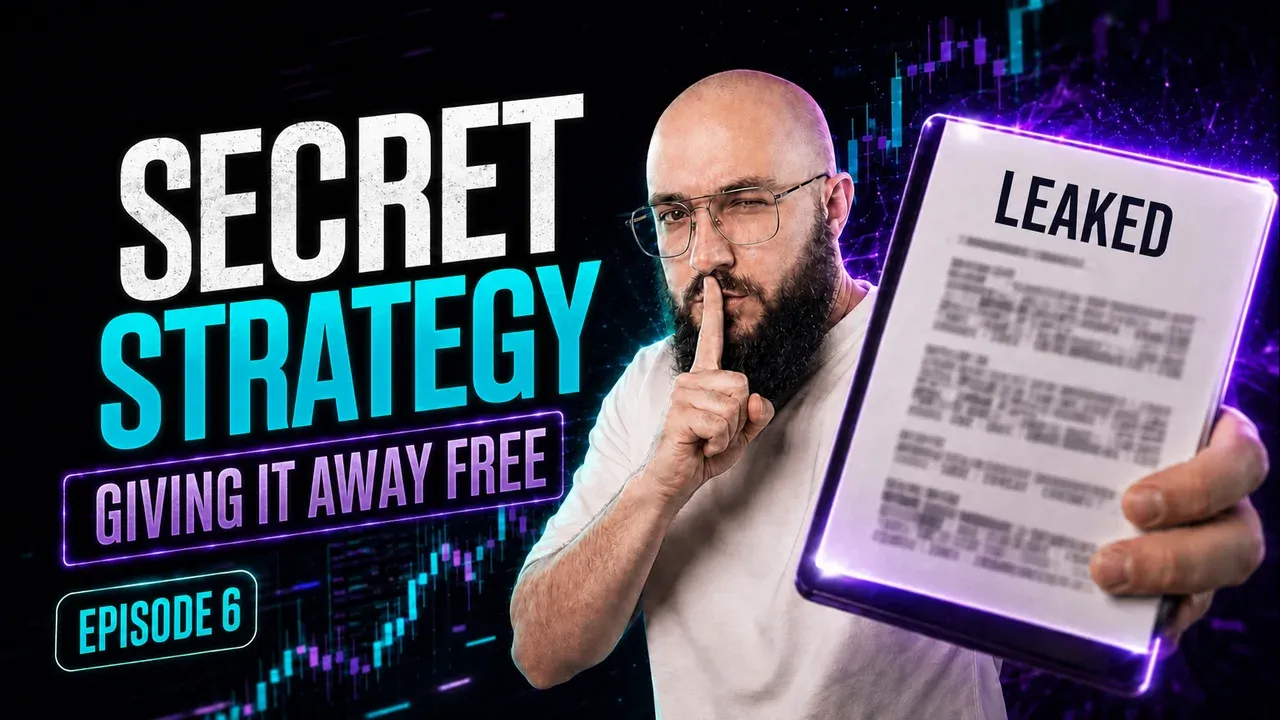
Adaptive S/R Zones Bot: Auto Trading from Levels on Pocket Option
The Adaptive S/R Zones signal bot draws support and resistance zones and gives bounce and breakout signals. Manual entries on M1–M5 with one recovery trade, Auto mode settings on 5-second OTC ($49, martingale 2.2, take-profit $600), the typical market-type mistake and a breakdown of two sessions from the video.
Read
Regime Switch Bot on the 15-Second Chart: Auto-Trading Settings for Pocket Option
The adaptive Regime Switch bot picks its own mode for the current market type. Auto-trading settings on S15 with martingale ($90, coefficient 2.2, six steps, take-profit $3,500), why a stop-loss at the fifth step cost a session, a breakdown of the recording with four losses in a row and an answer to the question of getting banned for bots.
Read
Launching a Trading Bot for Pocket Option from a Smartphone: Terminal Settings and Auto Mode
A step-by-step launch of auto trading from a phone in BinoView Supercharts: 15 screens, market and terminal settings, the Flip Core bot from the catalog, Auto mode parameters (martingale 2.2, six steps, 1-minute expiration, take-profit), the control panel, session history and a breakdown of the launch from the video.
Read
Close Fade 1M Bot Signals on a Smartphone: a Manual Binary Options Strategy
Manual binary options trading from a phone using Close Fade 1M bot signals: the volume filter setting, the confirmed-candle rule, picking signals by first-attempt win rate, one recovery trade per asset and a breakdown of six real-account trades from the video.
Read
Bouncing off a Level on the Real Market: a Pocket Option Strategy with S/R Signals Merged
Manual trading from support and resistance levels on real currency pairs, no OTC: the S/R Signals Merged indicator merges nearby levels, Adaptive Trend Finder draws trendlines. Range trading, broken resistance as support, a two-recovery limit, preset import and a session breakdown from the video.
Read
Pocket Dashboard Strategy for Binary Options: Trend Entries on a Pullback
A trend-following strategy on real currency pairs with the Pocket Dashboard indicator: Strong Buy or Strong Sell status, agreement of the M5 and M10 timeframes, entry after a corrective candle with a 1-minute expiration, EMA 50 as a filter, one recovery trade per asset. A 2-minute expiration variant with a Bollinger Bands + Stochastic filter. Two session breakdowns from the videos.
Read
Fix Adaptive Bot Signals with Trend and Level Filters: a Pocket Option Strategy
A live session on the Fix Adaptive signal bot: adaptive expiration in bars, entry at the open of the signal candle when the first-trade win rate is 78% or higher, Adaptive Trend Finder and Support & Resistance Signals as filters, one recovery trade per asset, bot recalculation and a breakdown of four trades from the video.
Read
Bollinger Bands + Stochastic + EMA 50 Binary Options Strategy for the 1-Minute Chart
A trend-following binary options strategy on the 1-minute chart: Bollinger Bands (20, 2), Stochastic (5, 3, 3) and EMA 50 settings, entry conditions after a pullback, a win-rate filter and a trade-by-trade breakdown of the session from the video.
Read
ZigZag + CCI 30-Second Strategy for Pocket Option: Trend Entries After a Pullback
A binary options strategy on the 30-second timeframe with a 1-minute expiration: ZigZag + Channels sets the trend, CCI with period 10 marks the end of the pullback. Entry rules, settings, risk and a breakdown of four trades from the video.
Read
Manual Support and Resistance Strategy for Binary Options
Manual binary options trading from levels and trendlines: the Average Support Resistance and Adaptive Trend Finder indicators, what the level colors mean, trend checks on M15 and M5, trade manager setup and the trader's journal. A session breakdown from the video.
Read
1-Minute Pocket Option Strategy: ZigZag, Vortex and Awesome Oscillator
A 1-minute binary options strategy on three standard indicators: ZigZag (5, 5, 3) sets the trend, Vortex (12) marks the start of a move, Awesome Oscillator (5, 30) confirms momentum. Entry rules, filters, deposit allocation and a session breakdown.
Read
What Is BinoView: Terminal, Supercharts and Trading Bots
BinoView is a binary options trading platform that works on top of the Pocket Option broker: Supercharts with up to 15 charts on one screen, an indicator catalog, a no-code trading bot builder, and a free academy.
Read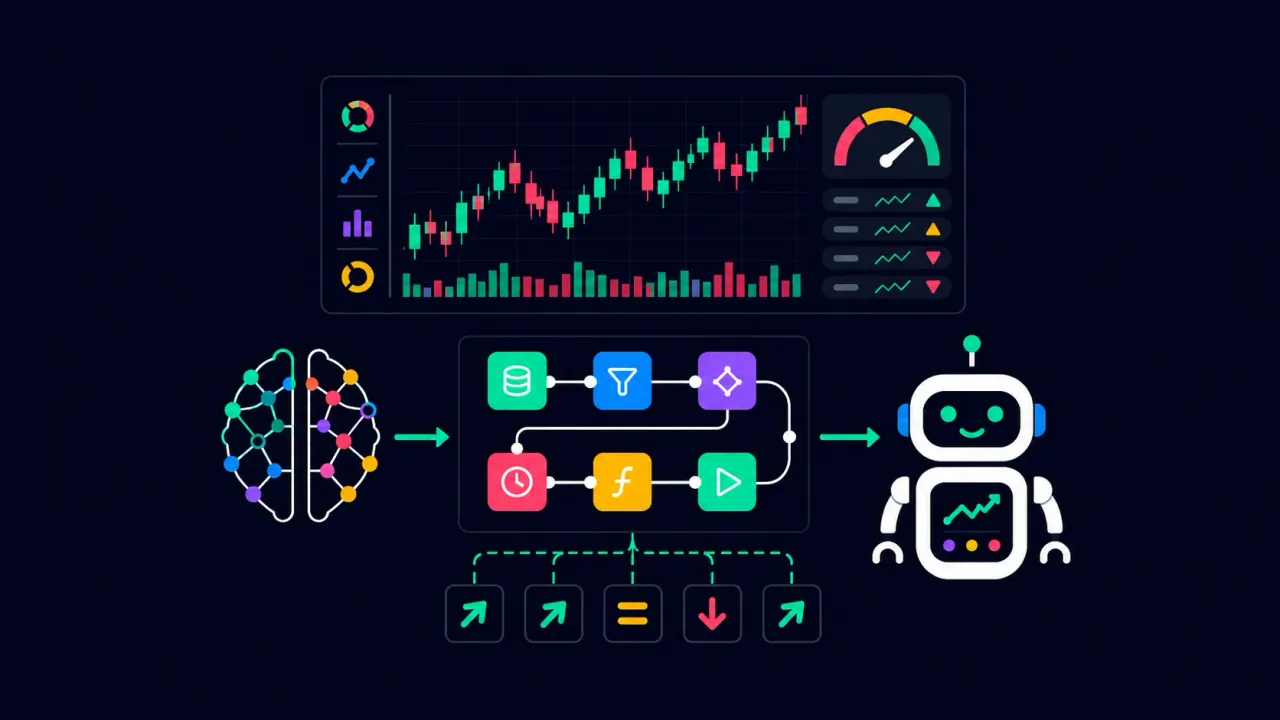
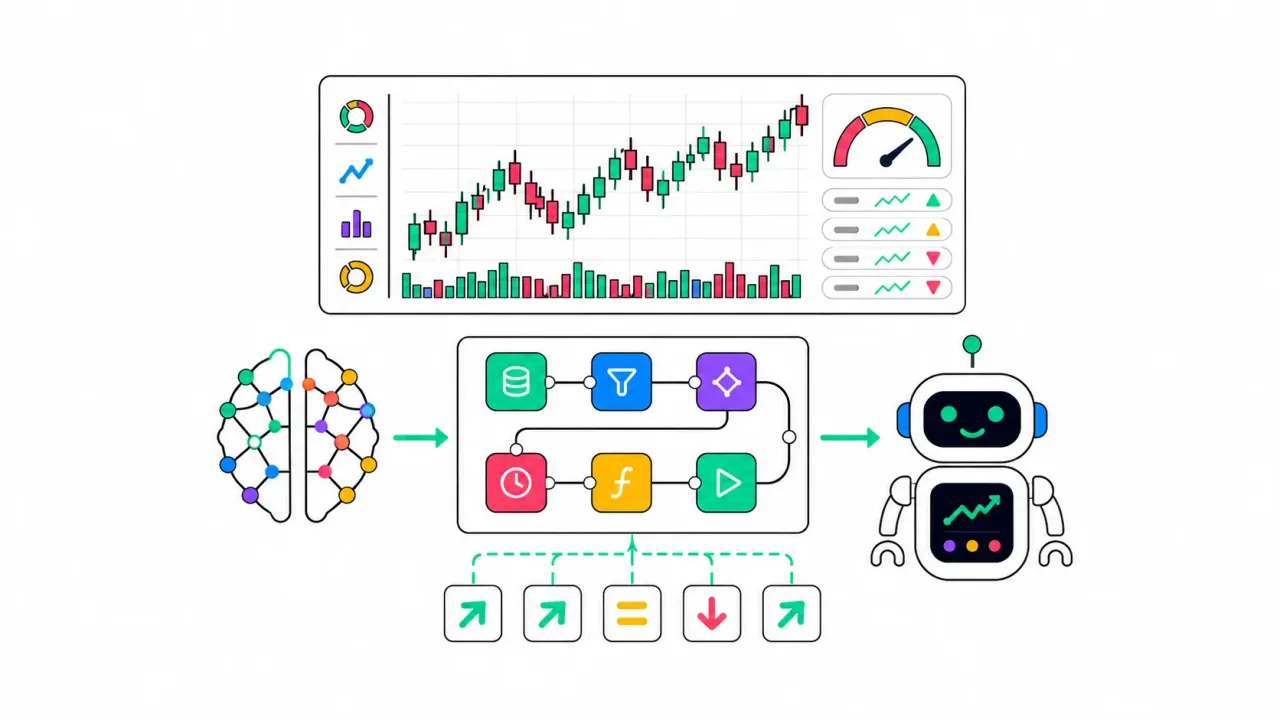
How to create a trading bot for Pocket Option without code — using AI in BinoView Supercharts
A step-by-step guide: build a trading bot without code using AI. Copy the ready-made “AI Prompt” in BinoView Supercharts (even the free DeepSeek works), describe your strategy, and get a working signal bot with a HUD analytics panel.
Read
Where to Start Your Trading Journey: A Complete Step-by-Step Guide to Pocket Option
A roadmap for beginners: a step-by-step plan from registration and safe deposits via cryptocurrency to the basics of technical analysis and setting up BinoView Supercharts.
Read
How to create an account on BingX, complete verification, and buy USDT for rubles via P2P
A detailed guide to registering on the BingX exchange, completing KYC verification, and safely buying USDT for rubles through P2P — step-by-step instructions for beginners.
Read
Creating Oscillators for BinoView Supercharts in a Separate Panel Below the Price
A step-by-step guide on how to train GPT to create oscillators in the lower panel of BinoView Supercharts and use them for binary-options trading on Pocket Option.
Read
Creating a Visual Tool for BinoView Supercharts with Line Drawing on the Chart
Step-by-step guide on how to teach GPT to draw lines and zones in BinoView Supercharts and use it when trading binary options on Pocket Option.
Read
Complete catalog of BinoView tools — bots and indicators
A convenient alphabetical catalog of BinoView bots and indicators: short descriptions and use cases for technical analysis when trading binary options on Pocket Option.
Read
Candlestick patterns in trading: how to find, filter, and apply them on the chart
Step-by-step breakdown of major candlestick patterns: engulfing, harami, hammer, star, three soldiers and more. How to find them on the chart, filter false signals, and apply them in real trading.
Read
Creating a signal bot in BinoView Supercharts with BUY and SELL labels
Step-by-step guide: how to train ChatGPT, insert a ready-made bot skeleton with visual analytics, write signal logic, and create BUY/SELL labels in BinoView Supercharts.
Read
Account blocked: why this happens and how emotions destroy your deposit
Analysis of account blocking reasons, payout delays, and how emotional decisions of a trader lead to a blown deposit. Trading psychology for beginners.
Read
Bot Builder in BinoView Supercharts — what it is and how to get started
Step-by-step guide to the Bot Builder in BinoView Supercharts: why bots are needed, what strategies you can build on candle data without volumes, which AI model to choose, and how to prepare.
Read
Guide: how to work with oscillators and indicators
Simple explanations for beginners: how indicators and oscillators differ, how they work, which settings to use, and how to apply them in trading binary options and on Pocket Option.
Read
BinoView Supercharts — overview of the platform and all its features
Complete guide to BinoView Supercharts: what this tool is, how screens are structured, bulk actions, settings, the bots and indicators catalog, adding tools to the chart and managing them.
Read
Guide to Japanese Candles: how to read the chart, understand price movement, and build levels
A detailed guide to Japanese candles for beginners: candle structure, timeframes, support and resistance levels, trends, ranges, and practical chart reading.
Read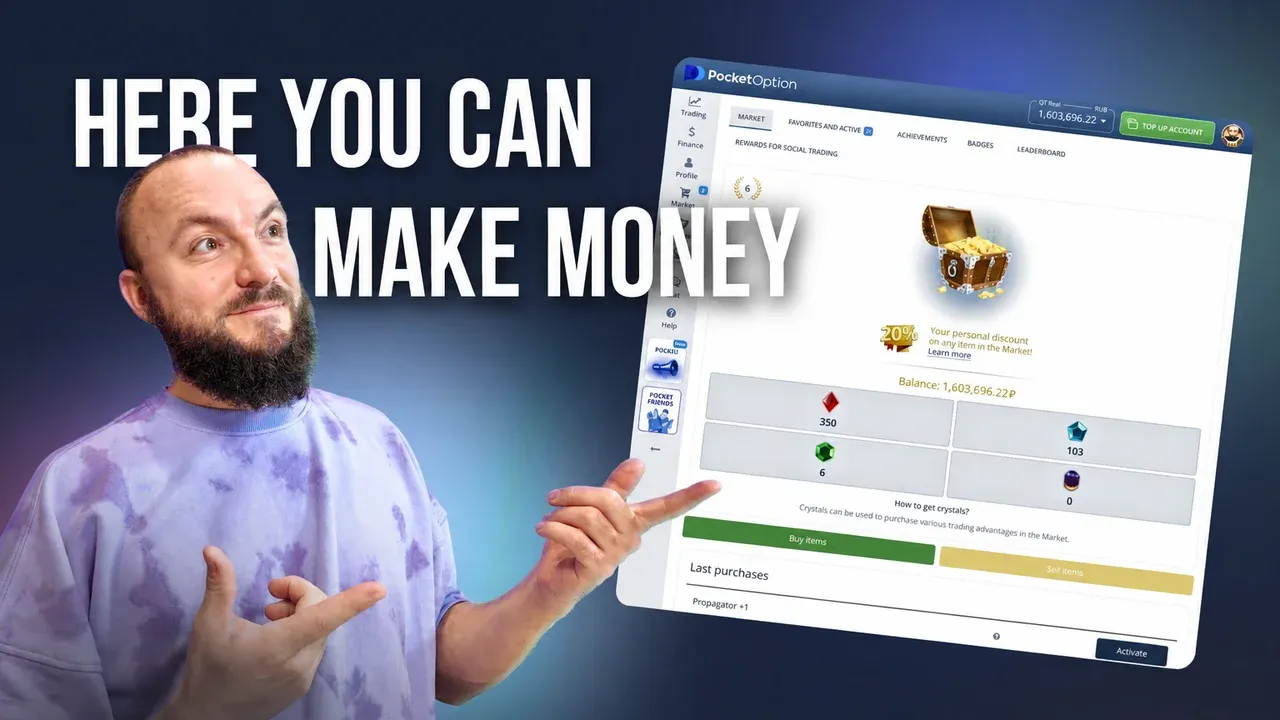
Complete overview of the Pocket Option platform — a beginner’s guide
A detailed overview of the Pocket Option platform: demo account, bonuses, technical analysis, tournaments, indicators, statistics, and social trading. A helpful guide for those starting with binary options.
Read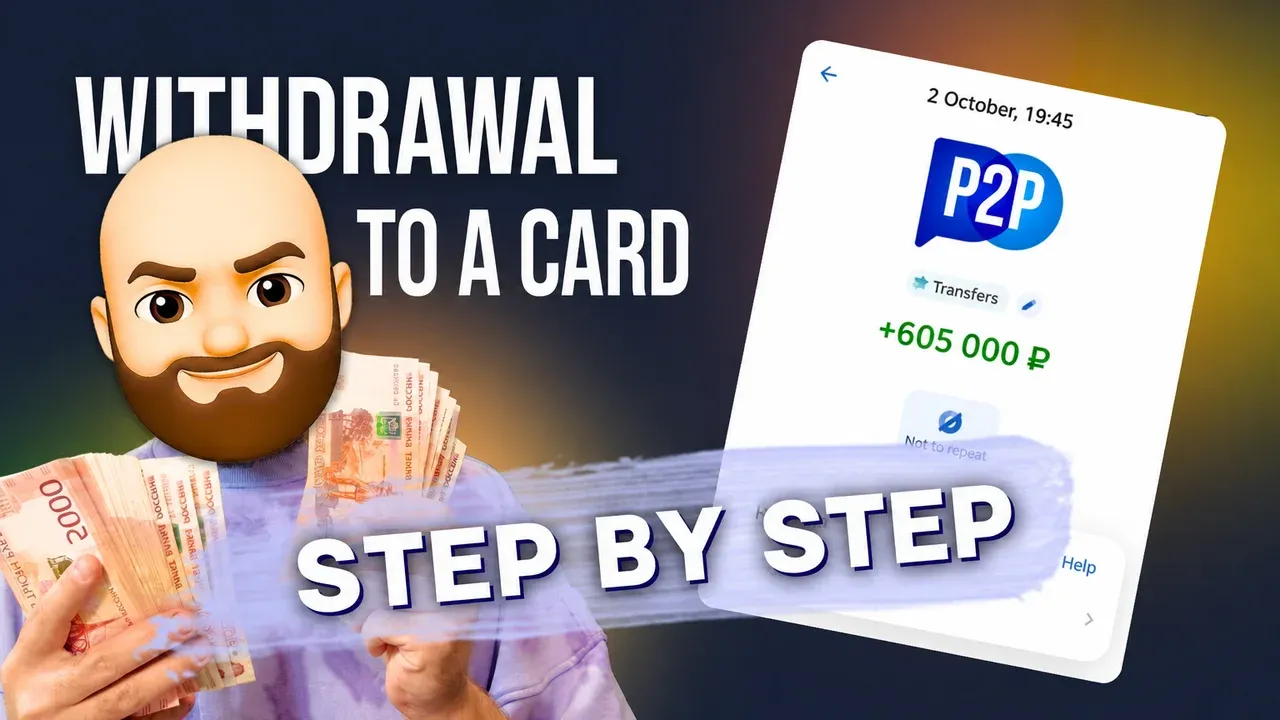
How to withdraw money from Pocket Option: USDT withdrawal to BingX and P2P exchange to rubles
A detailed guide on withdrawing funds from Pocket Option in USDT TRC20 cryptocurrency to the BingX exchange and then selling via P2P to receive rubles on a bank card.
Read
Binary options: what they are, how they work and what to know before you start
How binary options are built, how they differ from “vanilla” options and other markets, what their legal status is across countries, and what to look at when choosing a platform.
Read
How to top up your Pocket Option deposit with cryptocurrency via BingX
Step-by-step guide to safely topping up your Pocket Option deposit from the BingX exchange: choosing the method, transferring USDT on the TRC20 network, checking the transaction, and important nuances.
Read
How to register on the Pocket Option exchange
Step-by-step guide to creating a new account: Pocket Option account registration, identity verification, and getting started with binary options trading.
Read
Flip Core — a smart signal bot for binary options
Finds the moment of a trend or a trend change, giving clear best entry points. Clean BUY/SELL, clean statistics, concise analytics — everything for discipline on short timeframes in BinoView Supercharts.
Read
Indicator Trend Signals — moving average crossovers for a quick view of the current trend
Two EMAs combine into a trend indicator with intuitive line recoloring only when crossed by price, and also place handy visual BUY/SELL signals via the indicator’s built-in algorithms.
Read
Sloped Levels Indicator — automatic construction
Draws sloped support and resistance from fresh pivots, supports simple and “strong” lines, extends them to the current price, and marks breakouts with a dashed style
Read
Stoch Levels Overlay — classic stochastic oscillator over the chart
Overlays stochastic 0/20/80/100 levels directly on candles: soft overbought/oversold zones, guide lines, and an optional %K/%D projection. Convenient for catching reversals at channel edges and disciplining entries with BinoView Supercharts.
Read
Adaptive Regression Channel — an adaptive regression channel with a neat forecast
A flexible price channel on polynomial regression that adapts the window to volatility, keeps edges based on standard deviation, and softly extends ranges forward via a short Fourier forecast. The center recolors only on an actual price crossover — no chatter. A great tool for catching channel touches, inflections, and breakouts from consolidations in BinoView Supercharts.
Read
Trading Bot Streak Hunter — entry against a streak of same-colored candles
Searching for streaks of candles of one color and a counter-trend entry at the “inflection.” Bot logic, parameter impact, recommendations for OTC and the real market, and a trading plan.
Read
Signal Indicator Liquidity Buy/Sell — sweeps around swings
Liquidity sweep marker on the current bar with no delay. Swing configuration, tolerances by ATR or %, candle filters, and cooldown. OTC and real-market modes, trading plan.
Read
Trading Bot OverZero Flip 30s–1m — powerful signals from crossover detection
A scalping strategy on 30 seconds and 1 minute based on moving-average crossovers with OsMA confirmation. Parameters, presets for OTC and the real market, working strategy.
Read
Trading Bot Flip Strike — a powerful signal tool for binary options
Algorithm based on the crossover of price and a UT line derived from ATR. Flexible quality filters, dynamic TTL, higher-TF trend, RSI guard, anti-chop cluster, Donchian mid, HUD card, and honest WR statistics. Presets for Pocket Option in BinoView Supercharts.
Read
Indicator Imbalance Suite — FVG, OG, and VI
Price imbalance zones: Fair Value Gap, inter-candle gaps, and void imbalances. How zones are constructed, which filters are applied, how to control width via Points/%/ATR, parameter recommendations, and a working plan.
Read
Indicator Liquidity Sweep — sweeps from clustered levels
Clusters of swing levels, live support/resistance lines, SWEEP markers on price overshoot and return. Tolerance settings via ATR or %, presets for OTC and the real market, working plan.
Read
Indicator ZigZag Channels — dynamic channels from extremes
ZigZag based on confirmed extremes, automatic channel boundaries and price labels. How the markup is built, which parameters affect visibility and clarity, presets for OTC and the real market, and a working entry plan.
Read
Indicator Summary Analytics HUD — overall market assessment card
On-chart card: oscillators, trend, and a final verdict factoring in ADX, a neutral band, and hysteresis. TF 10s–10m presets, fine sensitivity tuning for Pocket Option in BinoView Supercharts.
Read
Indicator Order Blocks — automatic supply and demand zones
Clear search for the source candle after BOS, building zones by body, wick, or from the open, extending until mitigation or invalidation, merging nearby areas. Ready-made presets for Pocket Option in BinoView Supercharts.
Read
Indicator Range Detector — one-click range and breakout detection
Automatically finds price ranges around the SMA with ATR-based width, extends zones, labels upside/downside breakouts, and marks broken zones in gray. Ready-made presets for Pocket Option in BinoView Supercharts.
Read
Trading Bot Fractal Edge Breakout — breakout of fractal edges
Bill Williams’ fractal levels, the Fractal Edge Breakout strategy idea and its implementation in the bot: signal logic, parameters, settings for OTC/real market, examples, and a trading plan.
Read
Trading Bot Impulse Rider — identifies impulses by MACD, RSI, and EMA
MACD impulse via histogram, RSI level filter, and EMA direction. Parameters, impact of settings, presets for OTC/real market, and a trading plan.
Read
Signal Bot MACD Cross — fast detection of MACD crossovers with the signal line
Classic entry based on the crossover of MACD and the signal line. A breakdown of the idea, the indicator’s origin, the bot’s logic, parameter impact, presets for OTC/real market, and a trading plan.
Read
Trading Bot RSI Classic — entry signals based on oversold and overbought levels
J. Welles Wilder’s RSI, the 70/30 threshold idea, and implementation in the bot: signal logic, parameter impact, recommendations for OTC and the real market, and a trading plan.
Read